AI Whiteboard Video Maker That Brings Ideas to Life

Make complex ideas click with stories that unfold stroke by stroke. No drawing skills needed.

1Content
2Style & voice
3Scenes & narration
Click to upload or drag it here.
Up to 80 pages
Or start from a template →
Video type
Video format
Estimated duration

Actual length varies with the content (±15%).

Whiteboard Video Maker: Create AI Whiteboard Animations Free

Bring your ideas to life with Whiteboard Video Maker. Turn PDFs, URLs or text into videos up to 5 minutes with AI voices in multiple languages.

What Is a Whiteboard Video Maker?

A whiteboard video maker explains ideas through drawings that unfold as the story is told. Our AI plans each scene and creates illustrations to match your message, helping viewers follow a tricky concept, a new process, or a lesson one idea at a time.

What Is a Whiteboard Video Maker?

Turn Existing Content into a Visual Story

Start with a PDF, a web page, or your own text. Our AI Whiteboard Video Maker shapes your content into scenes with narration you can review and edit before generation—so your explanation starts with the message you want to share.

Turn Existing Content into a Visual Story

Watch Your Message Take Shape, Stroke by Stroke

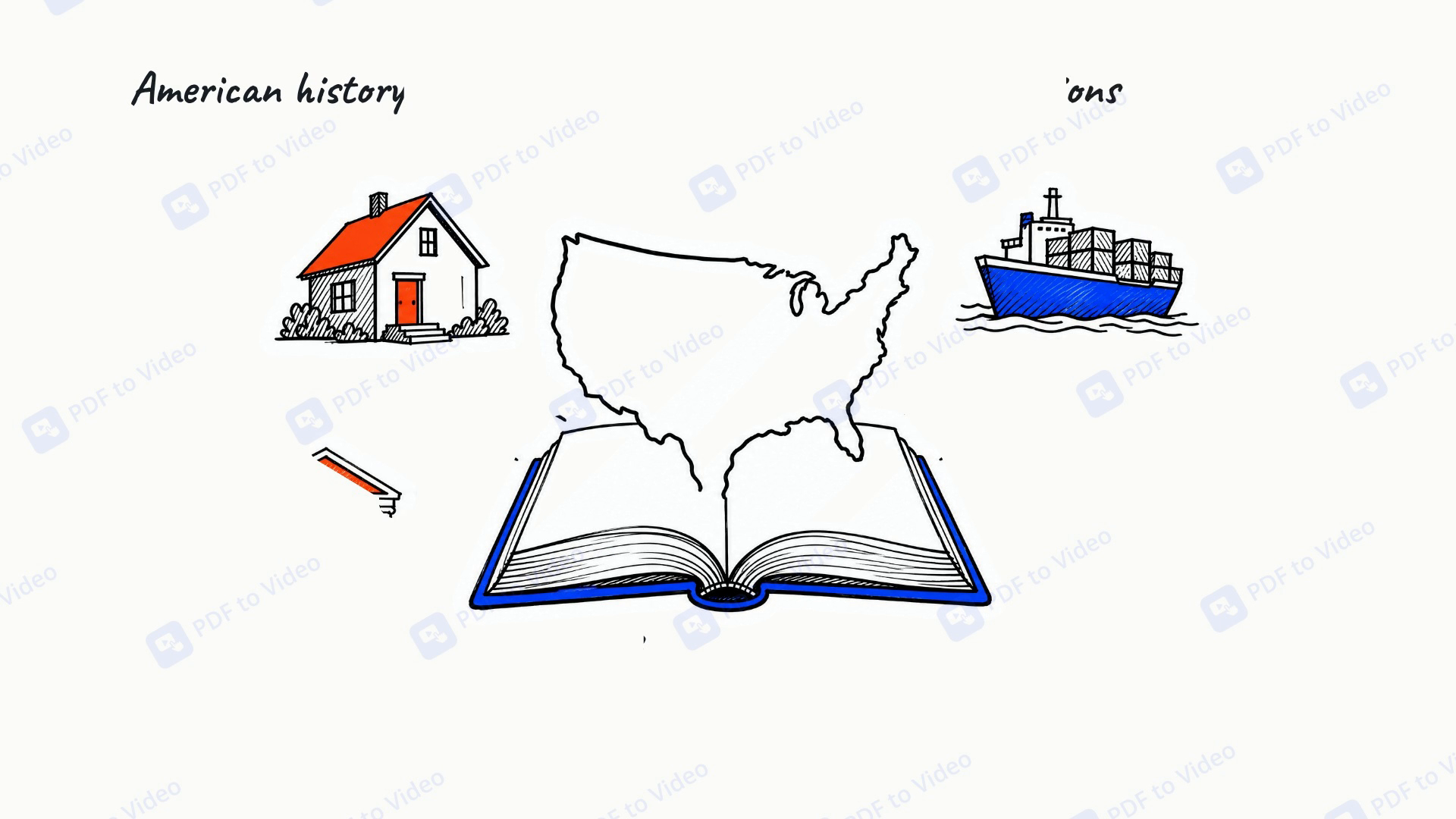
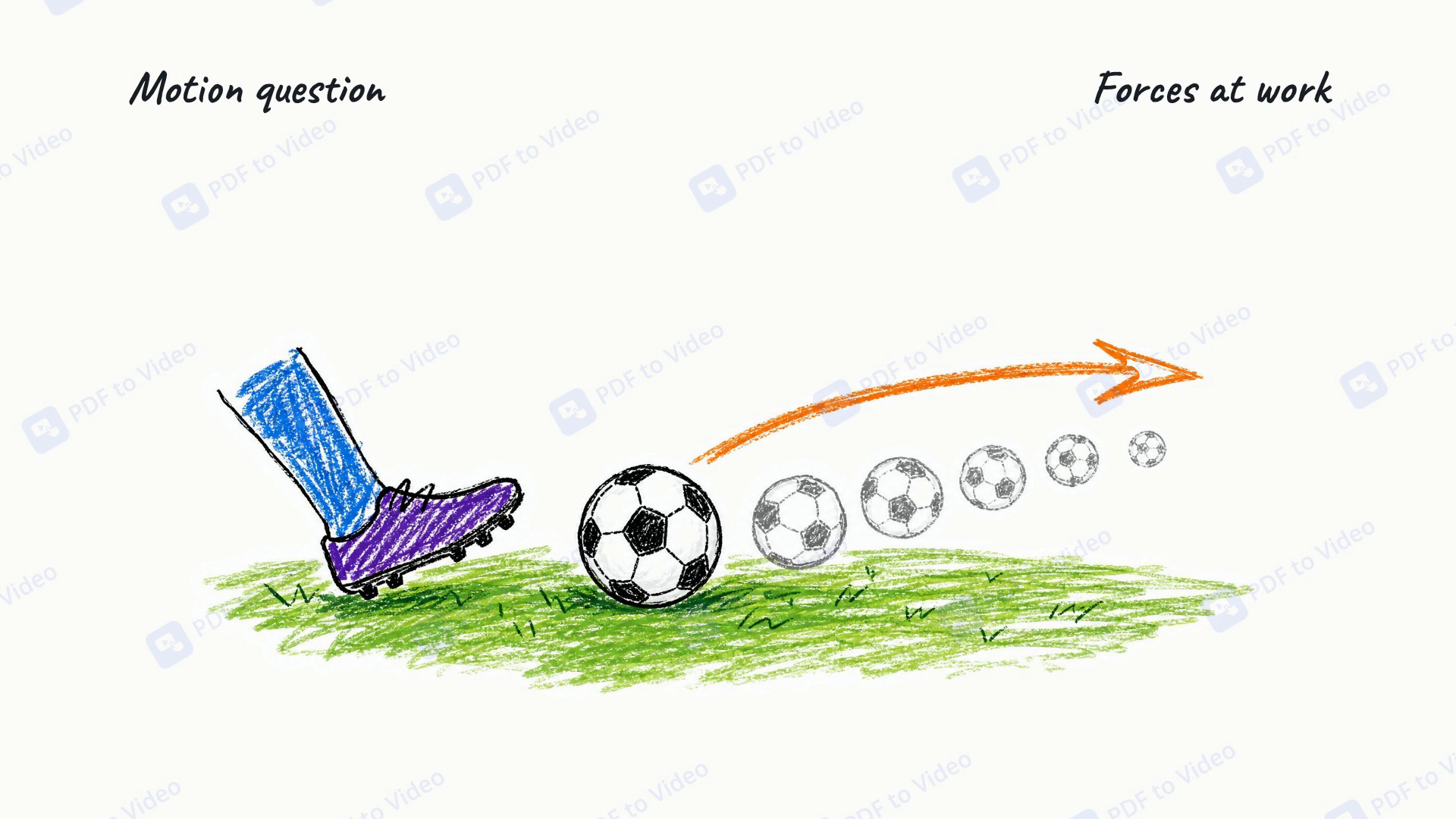
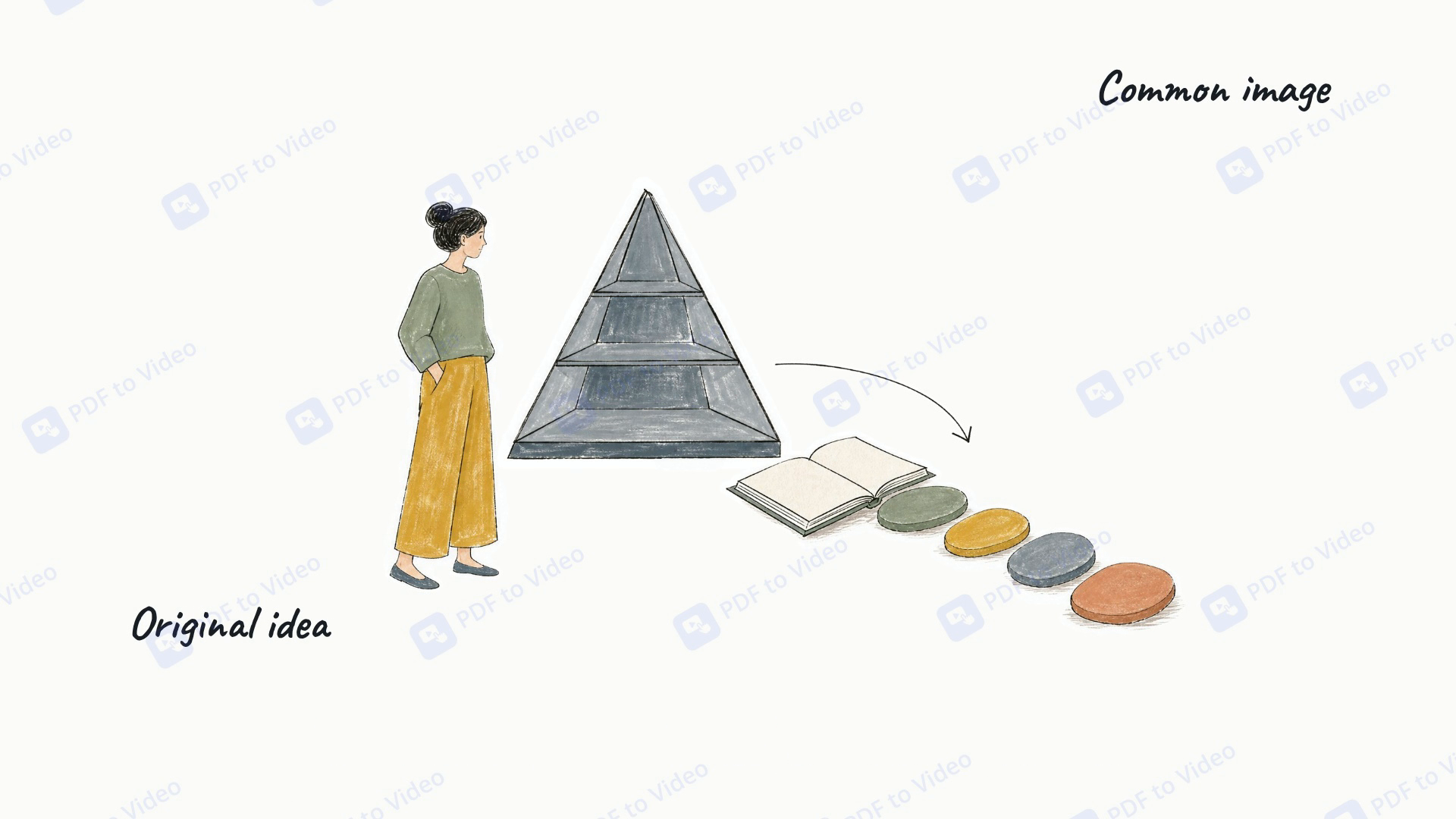
Each scene gets a hand-drawn illustration created for your content. Lines appear gradually, while short labels highlight key ideas, giving viewers a clear visual path through your explanation.

Watch Your Message Take Shape, Stroke by Stroke

Choose the Voice, Length, and Format That Fit

Create whiteboard videos in your preferred language and AI voice, with subtitles on or off. Choose a 1-, 2-, 3-, or 5-minute video in landscape, portrait, or square format, then export an MP4 ready to share.

Choose the Voice, Length, and Format That Fit

How to Use AI Whiteboard Video Maker

Add Your Content

Add Your Content

Upload a PDF, paste a web page link, or enter your text. Choose the language for your video.

Make It Your Own

Make It Your Own

Select Ink Art, then choose your AI voice, video length, and format. Turn subtitles on or off, and review the scene-by-scene narration before generating.

Preview and Share

Preview and Share

Watch your whiteboard story come to life, adjust the narration if needed, and export your finished video as an MP4.

Why Choose Our AI Whiteboard Video Maker?

No Timeline. No Drawing Skills Needed.

Upload a PDF, paste a web page, or enter your text. AI handles the script, illustrations, animation, and voiceover, so you can make an explainer without assembling scenes by hand.

Review Before You Generate

Preview the outline and narration scene by scene. Check the key points, correct terminology, and refine the wording before committing to video generation.

Illustrations Created for Your Content

Each scene gets its own AI-generated ink illustration, revealed stroke by stroke. Consistent styling and short labels keep your explanation visually connected from start to finish.

Three Free Video Projects Every Day

Create up to three video projects per person, per day for free. Try different topics or turn more of your content into whiteboard explainers, with a fresh allowance each day.

Watch the Video. Read the Transcript.

Your finished video comes with a transcript displayed below the player. Use the timestamps to match the text to the video and revisit explanations at your own pace.

Choose Your Length, Voice, and Format

Make 1-, 2-, 3-, or 5-minute videos in landscape, portrait, or square format. Choose your language and AI voice, control subtitles, and export updated MP4 versions from the same project.

What Will You Explain Today?

Bring your next lesson, big idea, or how-to to life with our AI Whiteboard Video Maker. Start with three free video projects every day.

Create My Free Whiteboard Video

See How People Put Their Ideas into Motion

Rachel Bennett avatar

Rachel Bennett

High School Physics Teacher

I had a PDF on Newton’s laws that needed something more than another worksheet. I uploaded it to the Whiteboard Video Maker, then changed the narration to use examples from our classroom. That review step mattered—I wanted the wording to sound like me. I made a three-minute recap and put it beside the notes, so students could watch the explanation or read through it before the next lesson.

Marcus Ellison avatar

Marcus Ellison

Customer Support Training Manager

Our new starters kept asking where a support request goes after they submit it. Fair question; the written guide was six pages long. The Whiteboard Video Maker helped me turn that guide into a short onboarding video. I checked the outline, corrected our team names, and let it handle the visuals and voiceover. The useful part was getting a video made without spending an afternoon placing arrows on a timeline.
Daniel Mercer avatar

Daniel Mercer

Small Business Software Founder

Honestly, I was more interested in the script preview than the drawing effect. I was explaining how our booking software handles cancellations, and one badly worded sentence could give customers the wrong idea. With the Whiteboard Video Maker, I could read every scene and rewrite that section before generating. I still checked the finished video carefully, but having that review step made the whole process feel manageable.
Olivia Hartwell avatar

Olivia Hartwell

Gardening Blogger

I’m comfortable writing. Recording myself explaining the same thing? Much less comfortable. I pasted my article about composting into the Whiteboard Video Maker and used it as the starting point for a two-minute explainer. I shortened the introduction, picked a voice, and switched subtitles on. The drawings gave the piece a different feel from my usual posts, and I didn’t have to set up a camera or microphone.
Priya Deshmukh avatar

Priya Deshmukh

Business Skills Tutor

After watching my first draft, I realized I’d used “revenue” where I meant “profit.” My mistake, not the tool’s. The Whiteboard Video Maker let me change the narration and export the revised version from the same project. The illustrations stayed as they were, which worked for that correction. For someone making short business lessons between client calls, being able to fix the words without rebuilding everything is useful.
Nathan Brooks avatar

Nathan Brooks

Educational Content Creator

I didn’t have a finished script ready when I opened the Whiteboard Video Maker. I had three rough ideas for a study channel: exam planning, revision breaks, and active recall. The three free projects a day gave me room to try each topic and see what suited the format. I liked having the transcript below the finished video, too. Reading it back helped me spot where I was overexplaining instead of getting to the point.

Frequently Asked Questions About Whiteboard Video Maker